College counseling for your whole school.
Give your counseling office one workspace for the roster — essays, tasks, messages, and college planning. Pilot access. No price.
Pilot access · No price
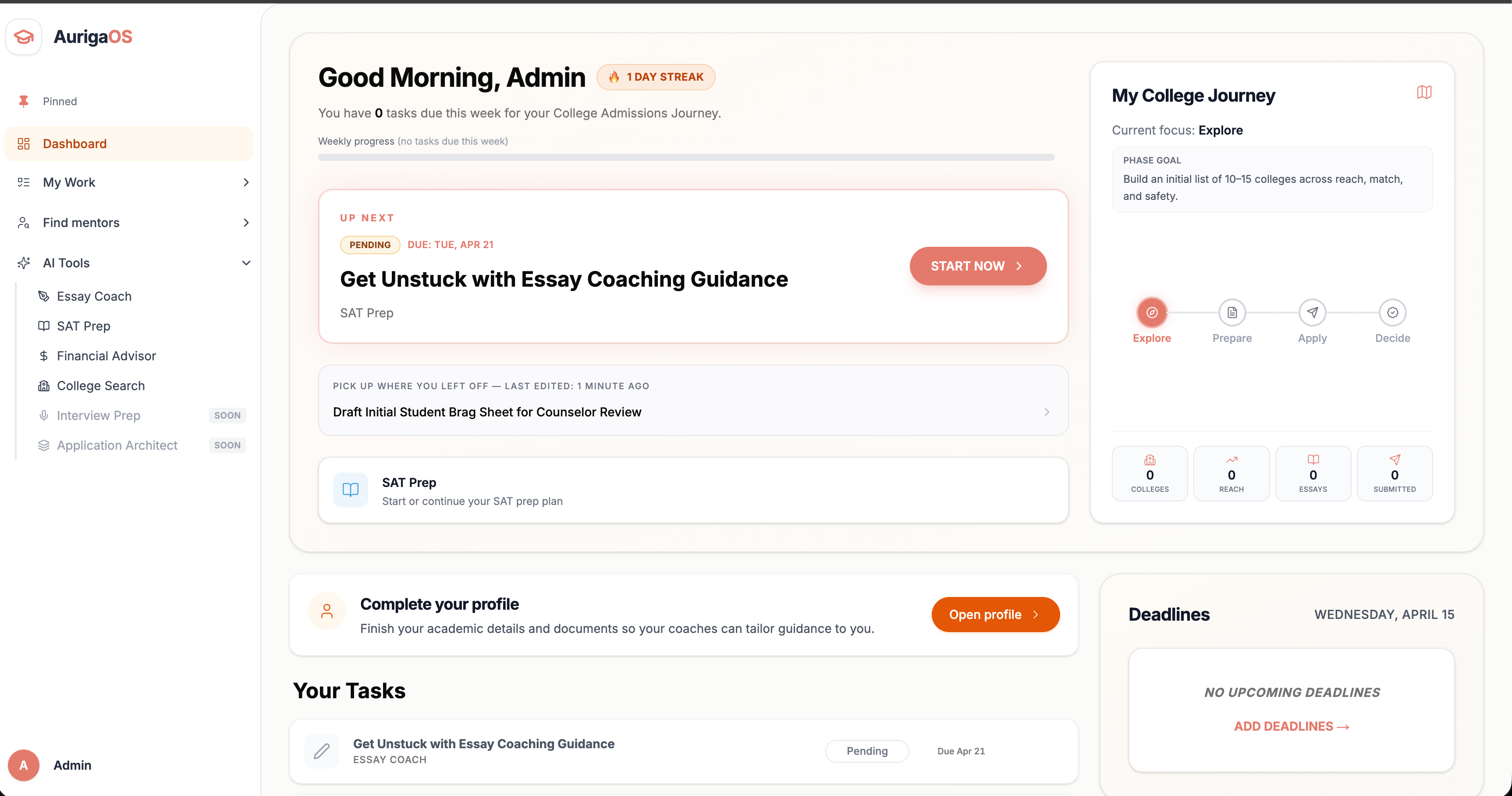
A counseling office, in one workspace.
Built for school counselors. Invite students by email, then guide essays, tasks, and college plans from one roster.
One roster
See every student you counsel from one dashboard, with a workspace for each of them.
Pilot access
For school counseling offices. No price, and no contract to send.
No price
Stay in the loop
Message students, assign tasks, and follow college plans between meetings.
Email invites
Add students with an email invite. They join your roster without a contract or a family bill.
Invite
maya.r@student.school.edu
Joins your counseling roster when they accept.
Start with your roster in three steps.
Pilot access. No price, and no contract to send.
- 1
Create your school account
Sign up as a school and land in a counselor workspace built for your office.
- 2
Invite students by email
Add students with an email invite. They join your roster without a contract.
- 3
Counsel from one place
Review essays, assign tasks, and follow college plans for the students you support.
School questions, answered.
How pilot access, invites, and the counselor workspace work for schools.
Schools join on pilot access. There is no price and no platform fee. Independent counselors and mentors are a separate account, with their own contract pricing.
A school account is for counseling offices. You invite students by email and work from a shared roster. You do not send contracts or bill families through Auriga.
You get a roster, student workspaces, college plans, essays, tasks, and messages, plus a view of readiness across the students you counsel.
After you create your school account, invite students by email. Once they accept, they appear on your roster.
A school counselor who will work with students on Auriga. The account opens a counselor workspace for that office, not a student or parent login.
Bring your counseling office onto Auriga.
Pilot access for schools. Invite your students and counsel them from one roster.
Get pilot access